
Smart Home Design: 10 Ultimate Ideas for a Stunning, Functional Modern Home
Smart home design made simple: 10 practical ideas for lighting, storage, security and comfort to build a more functional modern home on any budget.
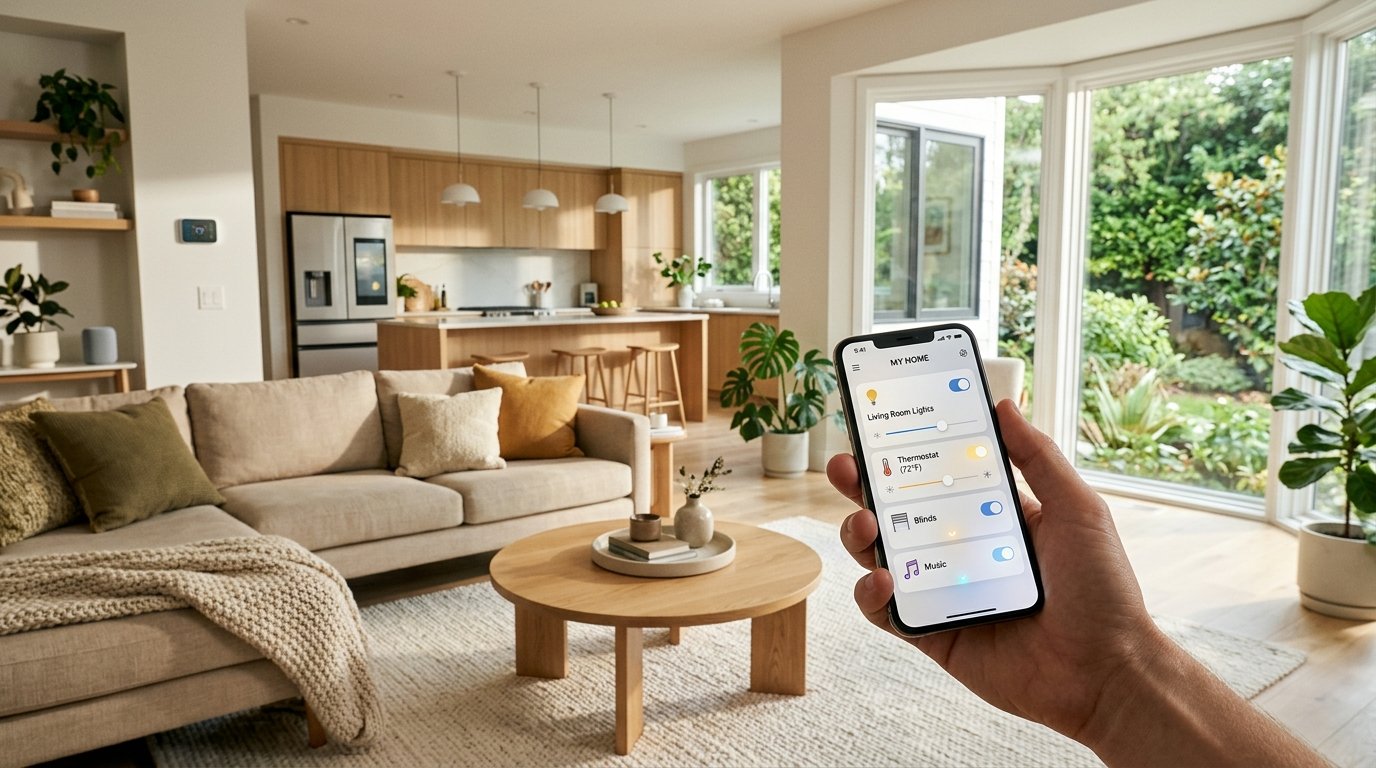
Smart home design is not about filling every wall with screens and gadgets. It is about shaping your rooms so technology quietly does the boring work lights that adjust themselves, curtains that open at sunrise, a thermostat that learns your routine, and storage that hides the clutter. When it is done well, you barely notice the tech. You just notice that your home feels easier to live in.
The good news is that you do not need a brand new build or a huge budget to get started. Most of the best smart home design ideas can be added to an existing home one room at a time, and many of them work just as well in a small apartment as in a large house. In this guide, you will find ten practical ideas, a simple planning method, the mistakes that waste the most money, and answers to the questions people ask most often. If you are also thinking about the overall look of your rooms, our guide to modern interior design ideas pairs nicely with everything below.
What Is Smart Home Design?
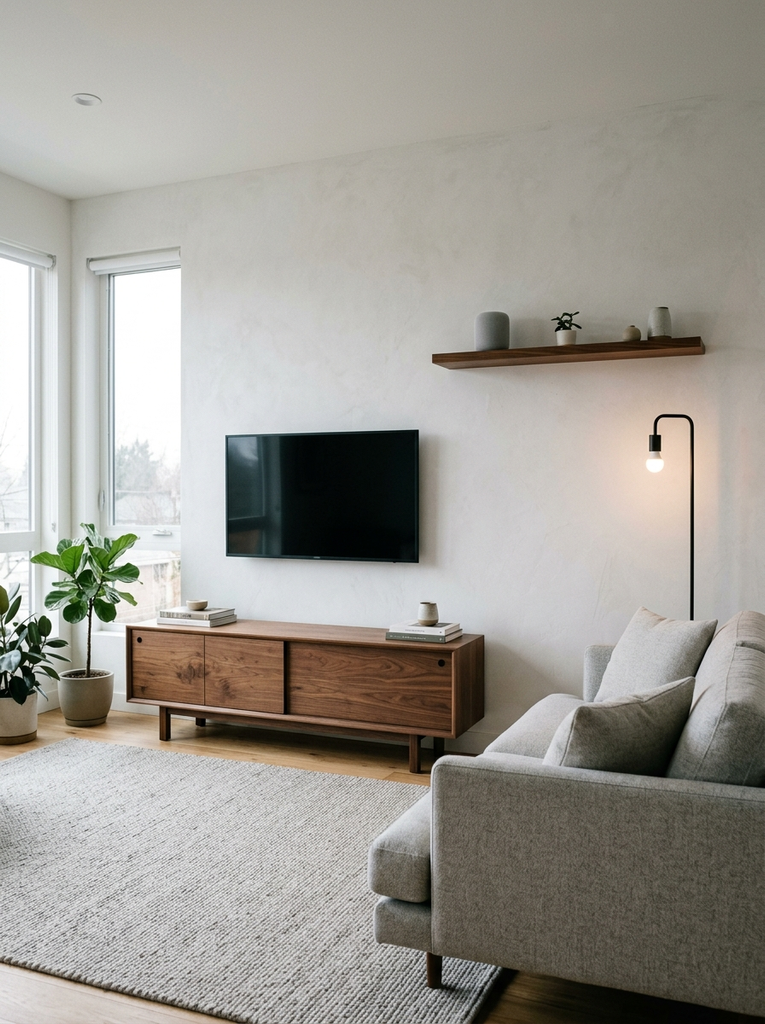
Smart home design is the practice of planning your layout, furniture, lighting, storage, and connected devices together, so they work as one system instead of a pile of separate gadgets. The word “design” matters here. A smart speaker thrown on a shelf is a gadget. A speaker placed where voice commands reach the whole living area, powered by a hidden outlet, and matched to your color palette is design.
A well designed smart home usually rests on three simple principles:
- Function first. Every device should solve a real daily problem, such as dark hallways, forgotten lights, a cold bedroom, or a cluttered entry.
- Invisible technology. Wires, hubs, and sensors should be tucked away or styled so they blend into your decor.
- Flexibility. Your setup should grow with you, so you can add or swap devices without rewiring the house.
It also helps to understand how smart home design differs from simple automation. Automation is the set of rules, such as “turn the porch light on at sunset.” Design is the thinking behind where the switch, sensor, and fixture go, how the room is used, and how the whole thing looks. You need both, but design comes first.
10 Smart Home Design Ideas for a More Functional Home
1. Smart Home Design Ideas for Better Lighting
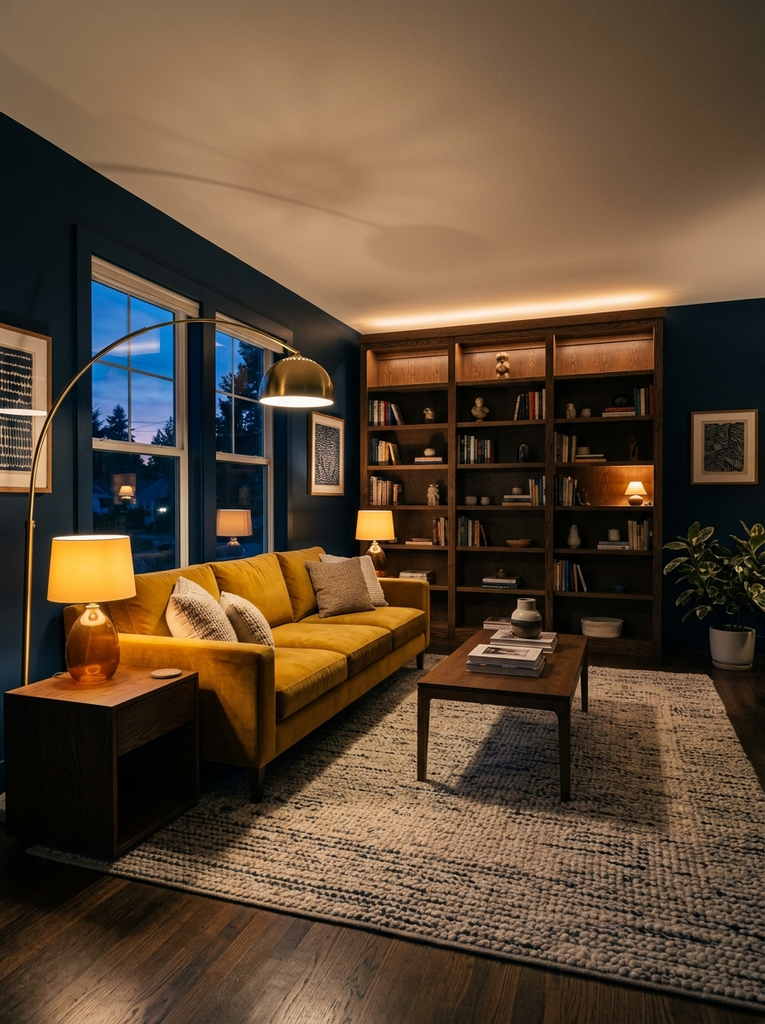
Lighting is the easiest and most rewarding place to begin. Swapping standard bulbs for smart bulbs lets you dim, warm, or cool the light from your phone or with your voice, and you can group lamps together into scenes. A “Movie Night” scene might dim the ceiling light, switch on a floor lamp, and turn off the kitchen pendants in one tap.
Think in layers rather than in single fixtures. Combine ambient light from the ceiling, task light for reading or cooking, and accent light for shelves or artwork. Smart LED strips under kitchen cabinets, behind the TV, or along a staircase add a soft glow and make night-time walking safer. Add motion sensors in hallways, closets, and bathrooms so the lights come on only when you need them, which also helps cut energy use.
For the most natural feel, choose tunable white bulbs. They shift from a crisp, bright white in the morning to a warm amber in the evening, which supports a calmer end to your day.
2. Create a Smarter and More Organized Entryway
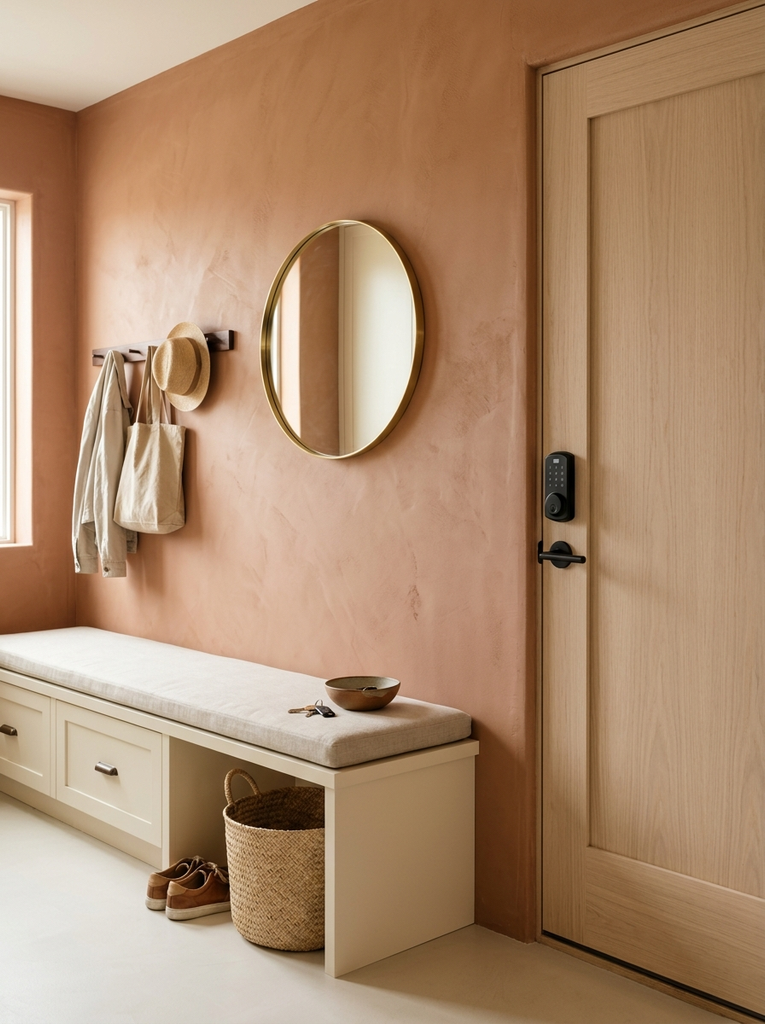
Your entryway sets the tone for the whole home, and it is where most daily chaos starts. A smart entryway makes coming and going smoother. Start with a smart lock or keypad so you never hunt for keys with your hands full of groceries. You can give family members their own codes and see who came home and when.
Next, add a small shelf, bench, or console with built-in storage for shoes, bags, and mail. Mount a wall hook rail above it and a slim mirror to check your look on the way out. A motion activated light above the door or inside a closet means you are never fumbling in the dark.
If you like a bit of tech, a wireless charging tray on the console keeps phones powered and cables out of sight. A smart plug can also switch a lamp on automatically when the front door unlocks, so you always walk into a welcoming space.
3. Use Smart Curtains for Privacy and Natural Light
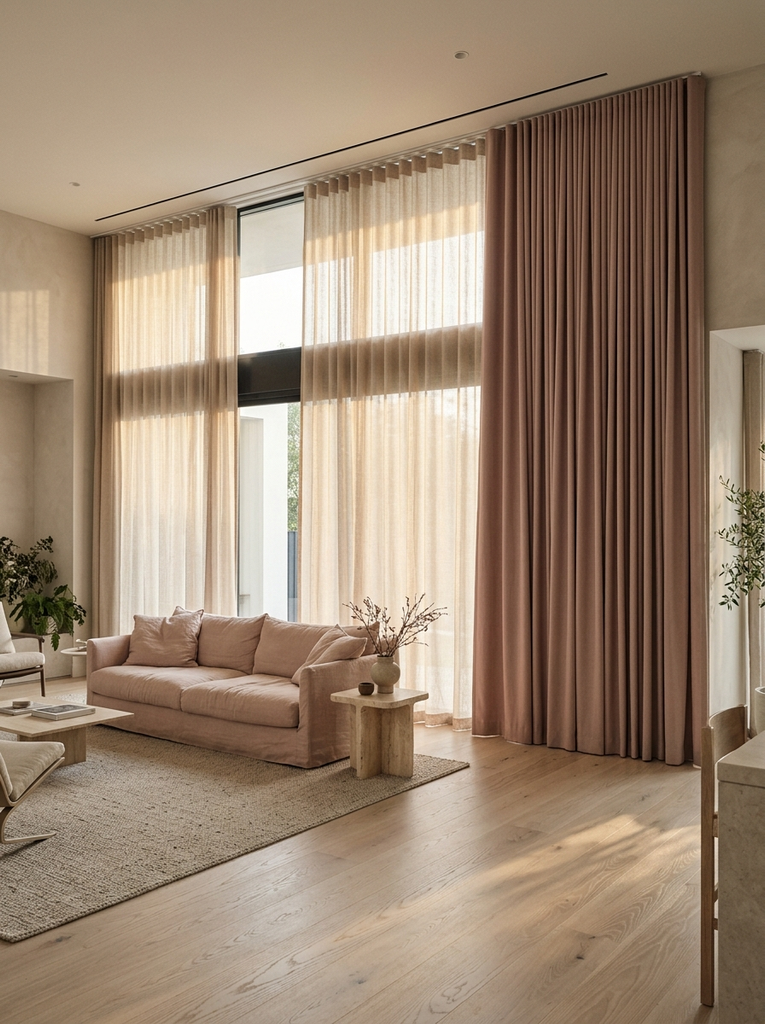
Window treatments are one of the most underrated smart home design upgrades. Motorized curtains or blinds open and close on a schedule, from an app, or by voice. You can wake up to gentle daylight instead of a loud alarm, close the shades automatically at sunset for privacy, and keep out the afternoon heat in summer.
There are two easy routes. You can buy complete motorized blinds, or you can add a small battery-powered motor or retrofit device to the curtains or roller shades you already own. The second option is cheaper and is a great fit for renters.
Design matters here too. Layer sheer curtains for daytime softness with heavier blackout panels for the evening, and mount the rod high and wide so the window looks larger. In a living room, a light filtering shade keeps the space bright without glare on your screen. In a bedroom, blackout panels on a schedule help you sleep later on weekends.
4. Make Your Kitchen More Efficient With Smart Features
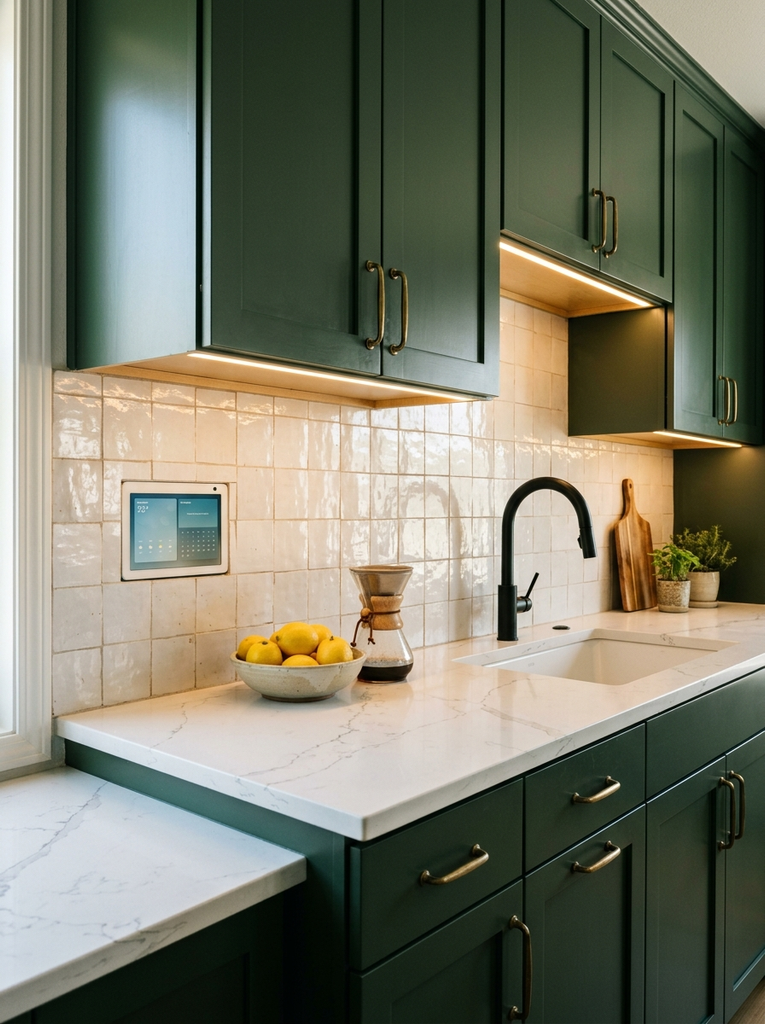
The kitchen is where smart home design pays off every single day. You do not need a fully connected appliance suite. A few well-chosen upgrades make cooking faster and cleaner.
Touchless faucets keep your hands free when they are covered in dough or raw chicken. Under-cabinet smart lighting makes your countertops bright and shadow-free. A smart plug on the coffee maker lets you start your morning brew from bed. A voice assistant can set multiple timers, convert measurements, and read recipe steps while you work.
If you are replacing appliances anyway, look at an oven or fridge with a companion app. Preheating your oven on the way home or getting an alert when the fridge door is left open can save time and reduce waste. Keep the layout in mind, too place charging spots and smart displays away from the sink and stove, and choose finishes that match your cabinets so the tech blends in.
5. Design a Comfortable and Relaxing Smart Bedroom
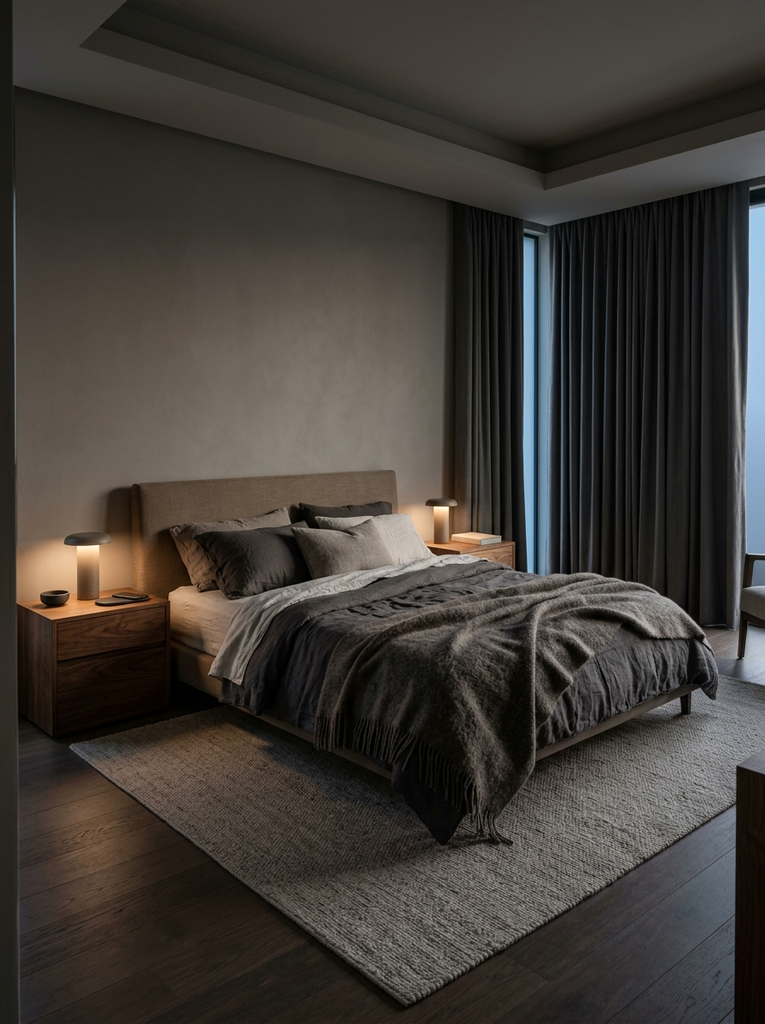
A bedroom should help you wind down, so the best smart home design here is subtle. Start with lighting that dims and warms in the evening, ideally on a schedule that begins an hour before bed. Bedside lamps on smart plugs or bulbs mean you can switch everything off from under the covers.
Combine that with automated blackout curtains and a quiet speaker or white noise machine, and you have a calm, sleep friendly room. A wake up routine can do the reverse: lights rise slowly, curtains open, and soft music begins a few minutes before your alarm.
Keep screens and glaring LEDs to a minimum. Choose devices with dimmable or hidden indicator lights, and use a wireless charging pad on the nightstand to avoid cable tangles. Soft textiles, layered bedding, and warm wood tones balance the tech so the room still feels like a retreat rather than a control room.
6. Improve Home Comfort With Smart Temperature Control
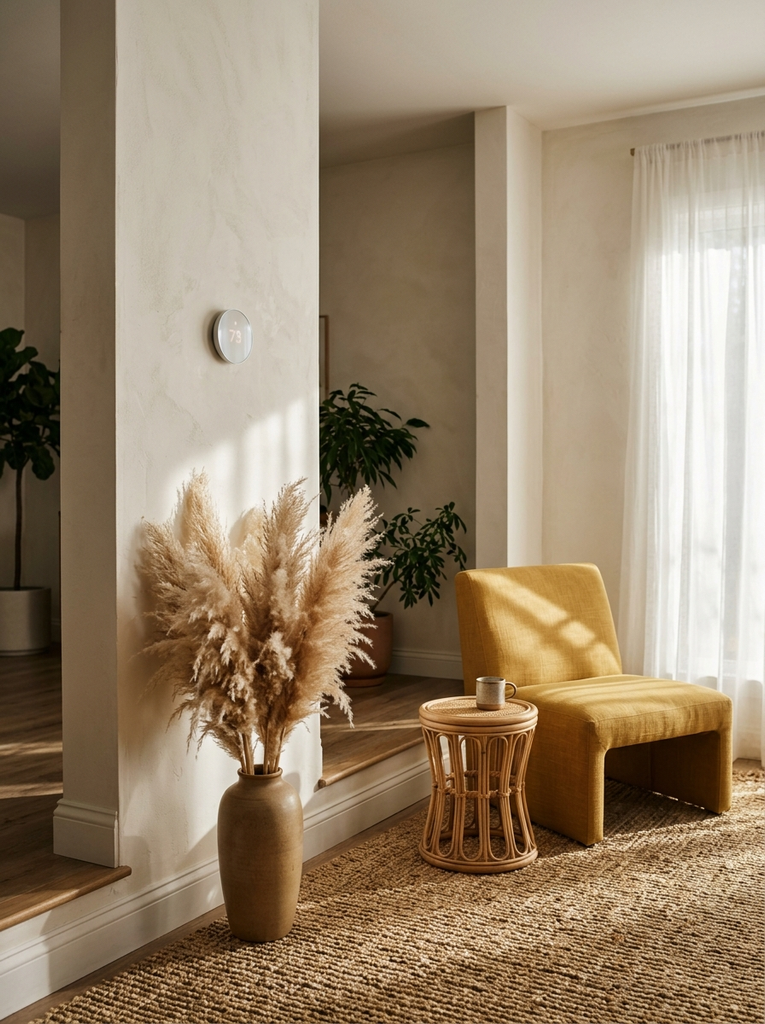
A smart thermostat is one of the most practical additions to any home. It learns when you are home, adjusts the temperature to your habits, and lets you change it from anywhere. That means you are not heating or cooling an empty house all day, and you come home to a comfortable space.
Go beyond a single thermostat for better results. Smart radiator valves or room sensors let you control temperatures room by room, which is especially helpful if one bedroom runs colder than the rest. Pairing your thermostat with smart curtains also helps: close the shades on hot afternoons and open them on cold sunny days to use free solar warmth.
From a design angle, place the thermostat on an interior wall away from direct sunlight and drafts so it reads the room accurately. Choose a model with a clean, minimal face that suits your wall color. A smart fan or air purifier in the living room can complete the comfort picture, especially in warmer months.
7. Use Smart Storage and Hidden Technology to Reduce Clutter
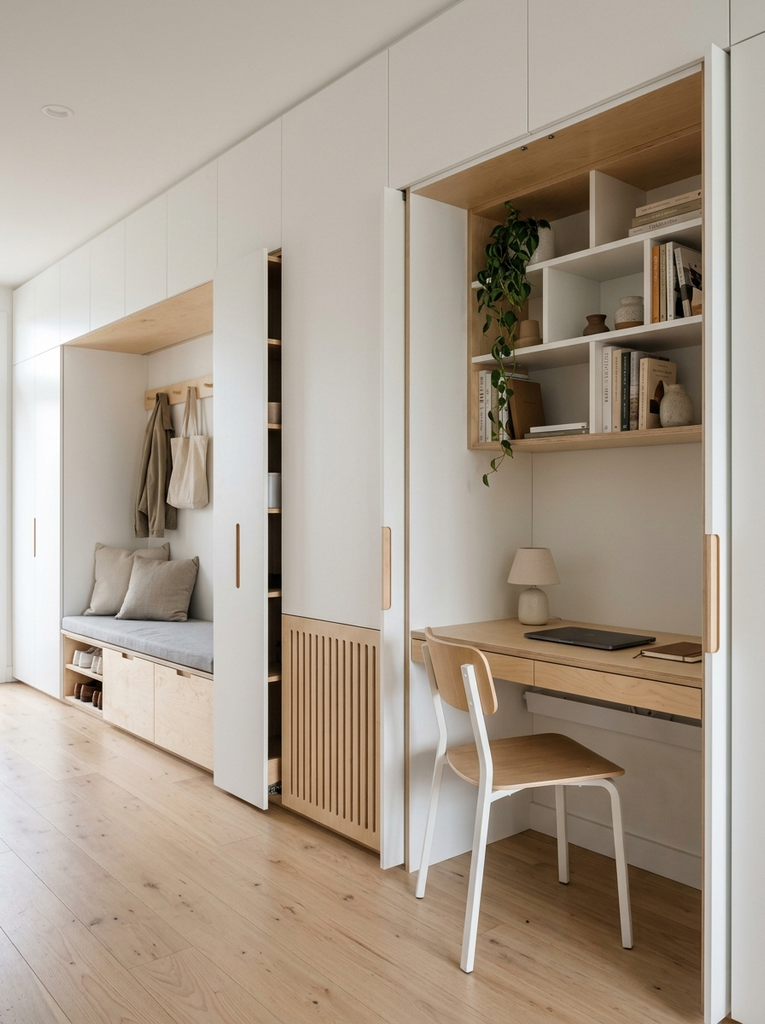
Clutter is the quickest way to ruin a beautiful smart home. Cables, chargers, routers, and boxes pile up fast, so smart home design should always include a plan to hide them. Furniture with built in charging, cable management channels, and closed cabinets for routers and hubs keep the technology out of sight.
Look for pieces that do double duty: an ottoman with lift up storage, a bed frame with drawers, a media console with ventilated compartments, or a desk with a cable tray. Hidden shelves, pull-out pantries, and under-stair drawers are also brilliant ways to gain space without adding visual noise. For a deeper dive, explore these hidden storage ideas for small homes, which show how to beat clutter in nearly every room.
Some smart storage even includes sensors and lighting, such as wardrobes that light up when opened or smart lockers for deliveries. The goal is simple: everything has a home, and the devices that power your house are barely visible.
8. Add Smart Security Features for Everyday Peace of Mind
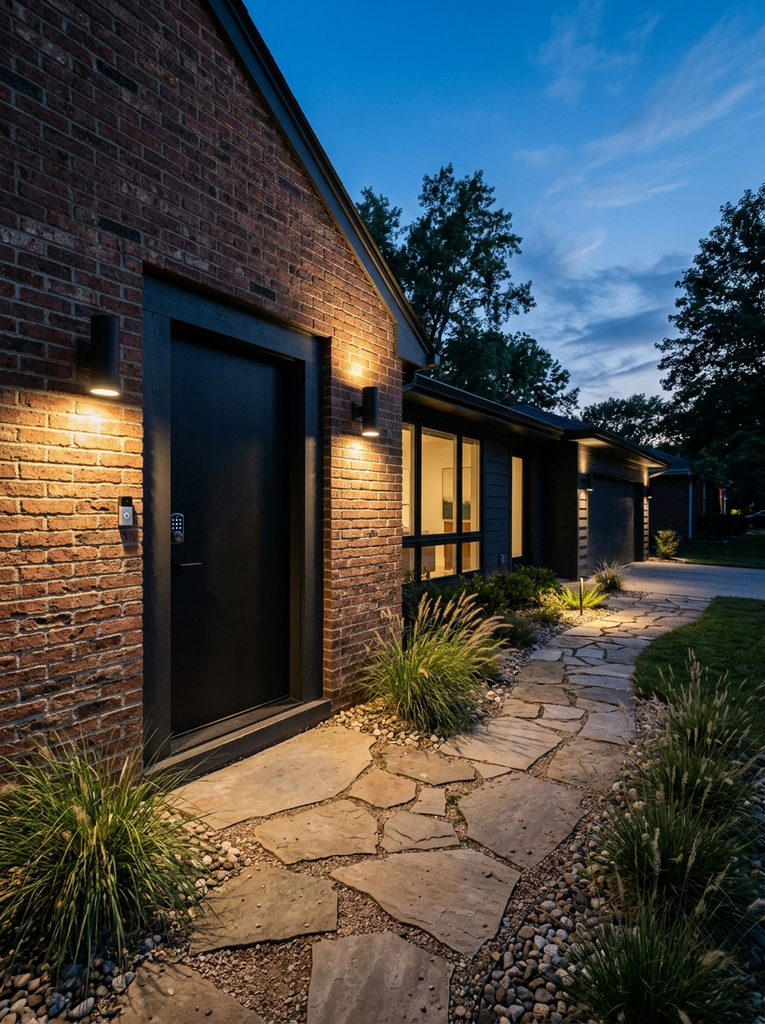
Security is where smart home design delivers real reassurance. A video doorbell lets you see and speak to visitors from anywhere. Smart locks remove the worry of whether you locked up. Door and window sensors alert you if something opens unexpectedly, and indoor or outdoor cameras give you a view when you are away.
Choose placement carefully. Mount the doorbell at a height that captures faces, point outdoor cameras at entry points rather than neighbors’ windows, and use motion-activated lights to deter unwanted visitors. Inside, a single camera pointed at the main entry is often enough, and you can skip bedrooms and bathrooms for privacy.
Do not forget digital safety. Use strong, unique passwords, turn on two-factor authentication, and keep device firmware updated. Reputable brands that release regular updates are worth a slightly higher price because they protect both your home and your data.
9. Make Small Spaces Work Better With Smart Home Design
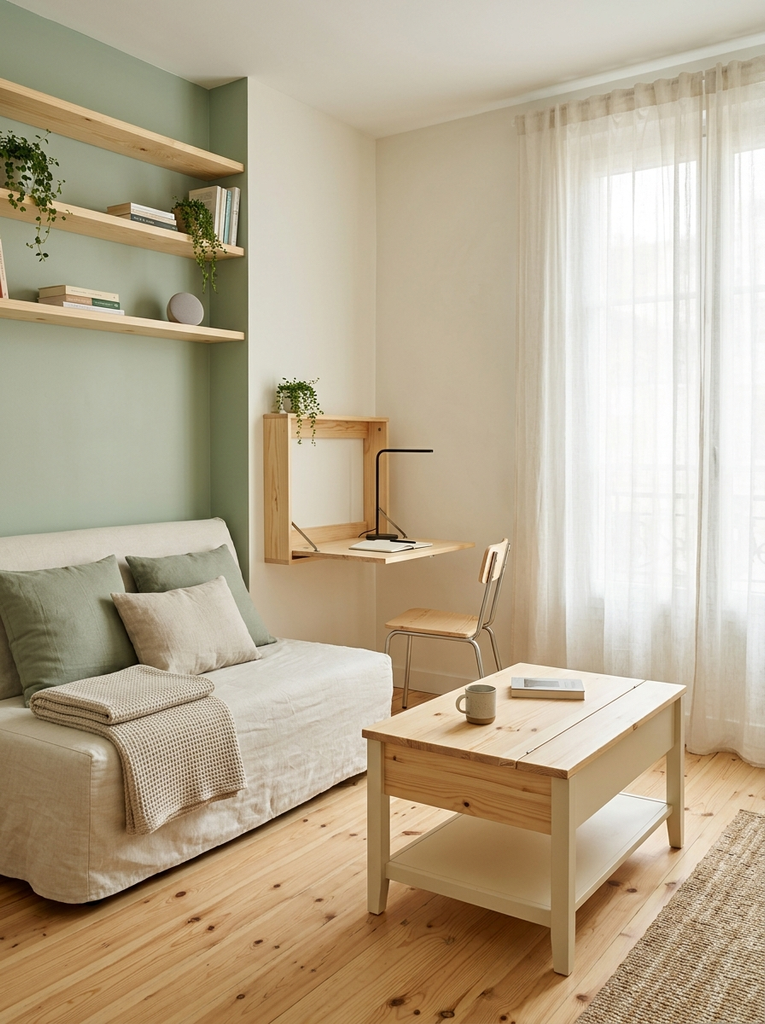
Small homes benefit enormously from smart design, because every square foot has to work harder. Start with multifunctional furniture, such as a sofa bed, a fold down desk, or a coffee table that lifts to become a dining surface. Then add smart touches that make the space feel larger and calmer.
Lighting is again your best tool. Layered, dimmable lights let one room shift from a bright workspace to a relaxed lounge. Voice control removes the need for extra switches and remotes, which keeps walls and surfaces clear. Wall mounted shelves, slim cable channels, and compact smart speakers free up floor and counter space.
Keep your color palette light and consistent, and choose devices in white, black, or wood tones that match your furniture. In a studio, use a smart plug and a single scene to turn the whole room from “work mode” to “evening mode” at once. The result is a small home that feels spacious, organized, and surprisingly high tech.
10. Choose Budget Friendly Smart Home Upgrades
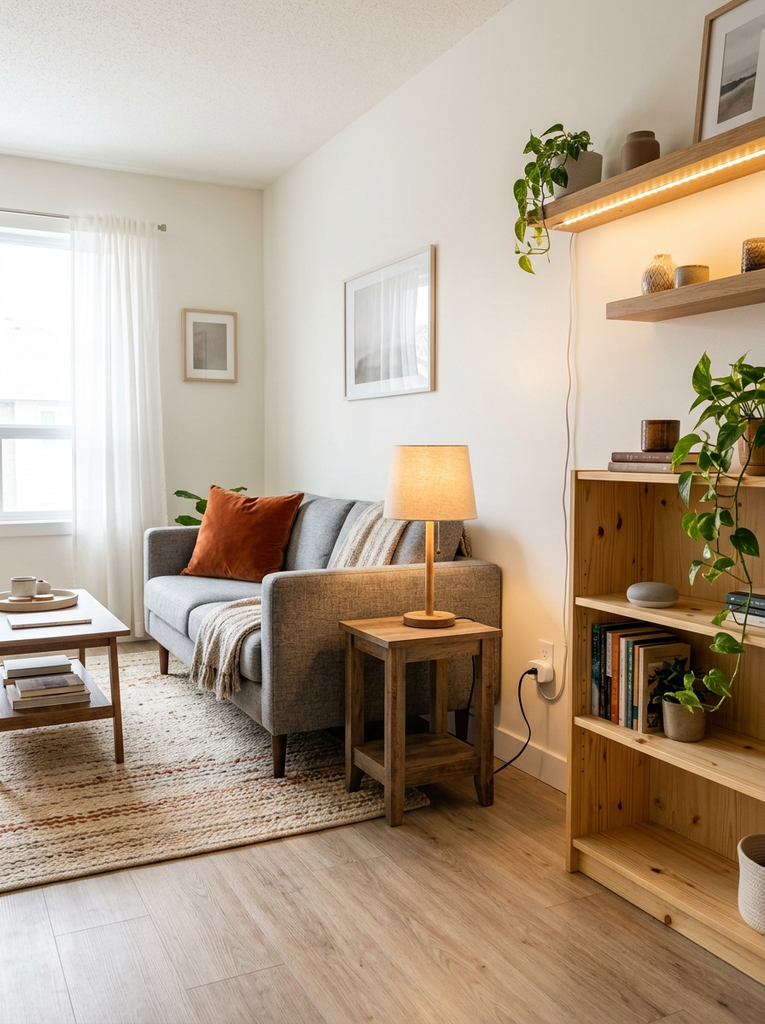
Smart home design does not have to be expensive. The most affordable upgrades often give the biggest daily benefit. Smart plugs, smart bulbs, and a basic voice assistant can transform a room for a modest price. A video doorbell or a set of door sensors adds security without a professional installation.
Build your setup in stages. Begin with lighting, add a smart plug or two, then move to a thermostat, curtains, or locks as your budget allows. Choose devices that work with the same ecosystem or support common standards, so everything talks to each other and you avoid paying for duplicates.
Renters should look for stick on, battery powered, and plug in devices that need no drilling or rewiring and can come with you when you move. Watch for seasonal sales, and read reviews for long term reliability before buying. A few smart, well placed pieces always beat a house full of cheap gadgets you never use.
How to Plan a Smart Home Design That Fits Your Lifestyle
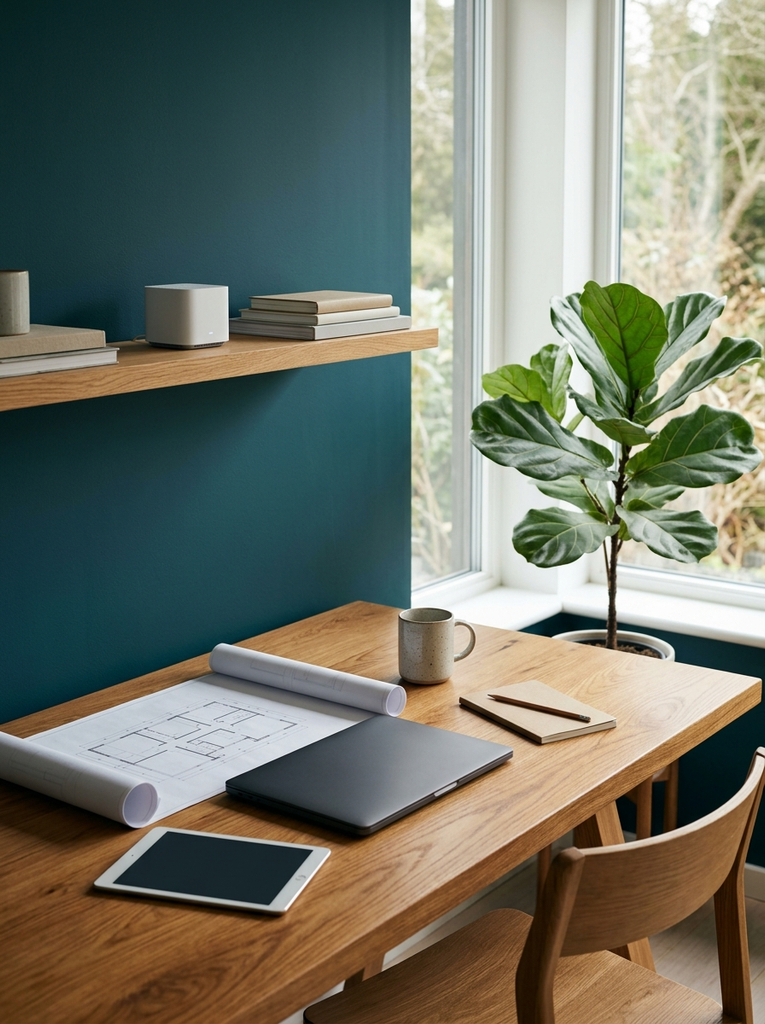
The best smart homes are planned around people, not products. Before you buy anything, spend a week noticing what frustrates you. Is it dark mornings, a messy entry, a cold bedroom, or forgetting to lock the door? Write down the top three problems. Those become your first projects.
Then follow a simple process:
- Pick one ecosystem. Choose a main platform, such as Google Home, Amazon Alexa, or Apple Home, based on the phones and speakers your household already uses. Compatibility saves endless headaches.
- Check your Wi-Fi. Smart devices rely on a strong, stable network. Test coverage in every room and add a mesh system if there are dead spots.
- Plan the layout. Mark where outlets, switches, and windows are, and decide where devices will sit so cables and hubs stay hidden.
- Start with one room. Finish a single space, live with it for a few weeks, and learn what works before expanding.
- Think about everyone. Guests, kids, and older family members should be able to use the lights and locks without needing an app. Keep physical switches and keys as a backup.
For design inspiration, it is worth browsing how a major decor publication approaches connected living. The Apartment Therapy smart home collection is a handy place to see real homes that blend technology with style.
Common Smart Home Design Mistakes to Avoid
Even a beautiful plan can go wrong if you fall into a few common traps. Watch out for these:
- Buying gadgets before planning. Random purchases rarely work together. Define your goals first, then shop.
- Mixing too many ecosystems. Devices that cannot talk to each other lead to multiple apps and frustrating routines.
- Ignoring Wi-Fi strength. A weak connection makes even the best devices unreliable.
- Forgetting aesthetics. Bulky hubs, tangled cables, and mismatched finishes can make a stylish room look cluttered. Hide or style them on purpose.
- Over-automating. Too many rules can make your home feel unpredictable. Automate only what genuinely saves time or effort.
- Skipping security basics. Weak passwords and outdated firmware are an open door for trouble.
- Overlooking manual control. If the internet goes down, you should still be able to turn on a light or unlock a door the old-fashioned way.
Avoiding these mistakes will save money, time, and stress, and it will keep your home feeling warm and welcoming rather than overly technical.
Frequently Asked Questions About Smart Home Design
What Is the Difference Between Smart Home Design and Home Automation?
Home automation refers to the devices and rules that perform tasks automatically, such as turning lights on at sunset or adjusting the thermostat when you leave. Smart home design is the bigger picture. It covers how rooms are laid out, where devices are placed, how technology is hidden or styled, and how everything supports the way you live. Automation is one tool within smart home design, not a replacement for it.
How Can You Start a Smart Home Design on a Budget?
Start small and build in stages. Smart bulbs, smart plugs, and a basic voice assistant offer the most value for the lowest cost. Choose one ecosystem, finish one room, and expand as your budget allows. Look for stick on and plug in devices, compare reviews, and wait for seasonal sales. You can create a genuinely useful smart home without spending much at all.
Can You Add Smart Home Design Features to an Existing Home?
Yes. Most upgrades are designed for easy retrofitting. Smart bulbs fit standard sockets, smart plugs go into existing outlets, and many locks, doorbells, and curtain motors attach to what you already have. Renters can use adhesive and battery-powered options that leave no marks. For bigger projects, such as wiring for built-in lighting or hidden storage, a professional can help, but you can still achieve a lot with simple, reversible steps.
Conclusion: Create a More Functional Home With Smart Home Design
Smart home design is really about making daily life smoother, calmer, and more enjoyable. By improving lighting, organizing your entryway, automating curtains, upgrading your kitchen, and creating a restful bedroom, you build a home that works with you. Add comfortable temperature control, smart storage, thoughtful security, and clever small-space solutions, and your home becomes both beautiful and genuinely functional.
You do not need to do it all at once. Choose one idea from this list, try it in a single room, and see how it changes your routine. Little by little, those small upgrades add up to a modern home that feels effortless to live in. Which of these smart home design ideas will you try first?