
Ultimate Home Office Setup: Easy Steps to Work Like a Pro
Plan a home office setup that fits your space, supports your body, and keeps clutter away. Practical tips on desks, lighting, storage, and style
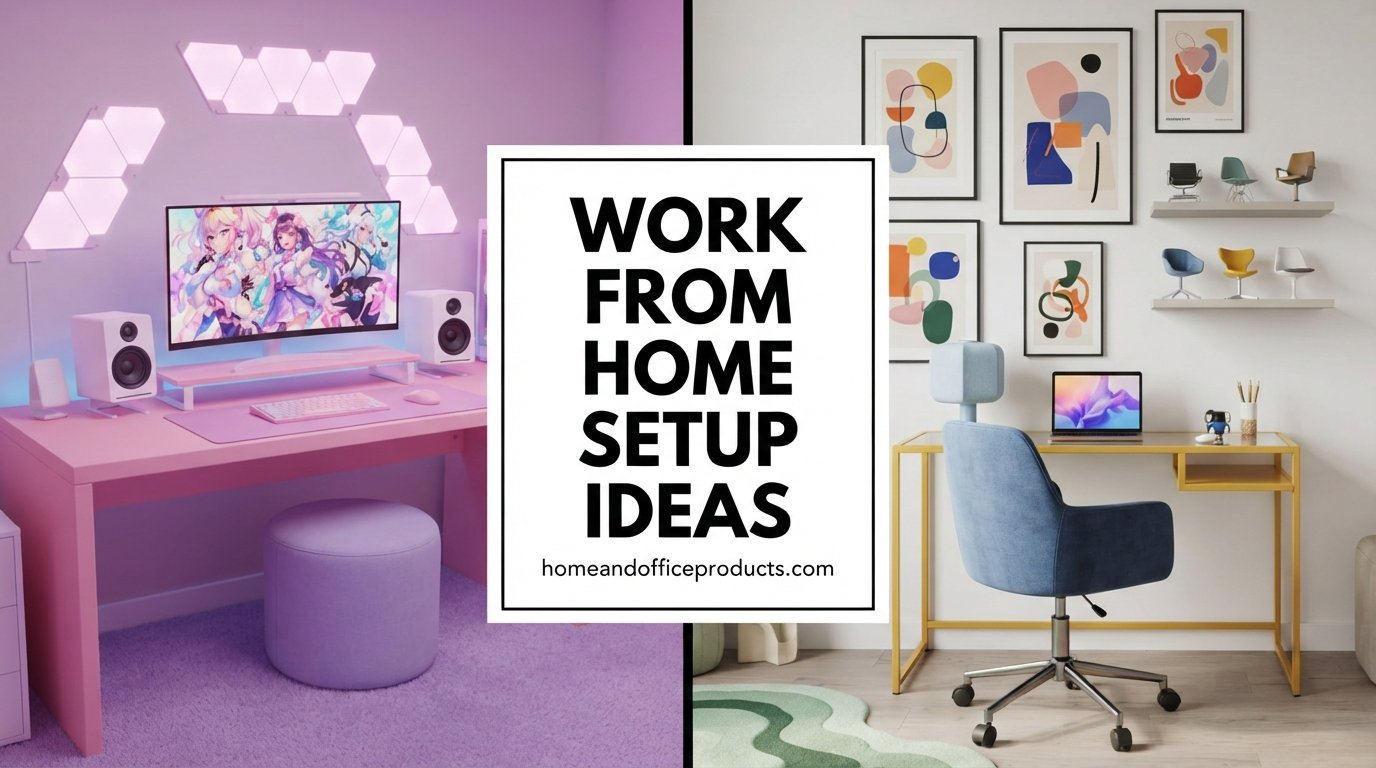
A good home office setup is not about having a huge room or an expensive desk. It is about making a space where you can focus, stay comfortable, and find what you need without hunting for it. Whether you have a spare room or a corner of the living room, a few smart choices can turn it into a place that actually helps you get work done.
This guide walks you through the essentials choosing a spot, getting comfortable, staying organized, lighting the space, and adding style without losing function.
Build a Home Office Setup That Fits Your Space
Before you buy anything, look at the space you actually have. The best home office setup starts with the room, not the shopping list.
Choose the Right Spot for Your Home Office Setup
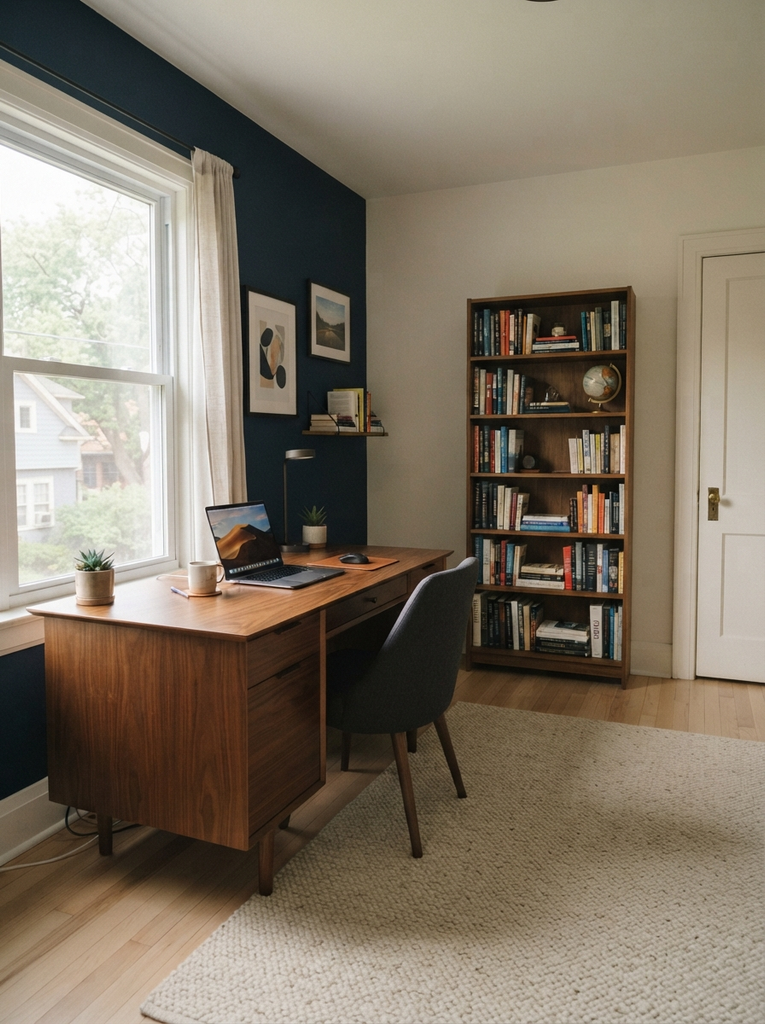
Pick a spot that is quiet, has a power outlet nearby, and gives you some separation from the rest of the home. A spare bedroom is ideal, but a corner of the bedroom, a section of the dining room, or even a wide hallway can work.
A few things to check:
- Noise: Avoid the spot closest to the TV or the kitchen if you take calls.
- Background: If you do video meetings, choose a wall or shelf that looks tidy behind you.
- Distractions: Face the wall or a window rather than the busiest part of the room.
Plan a Home Office Setup for Small Spaces
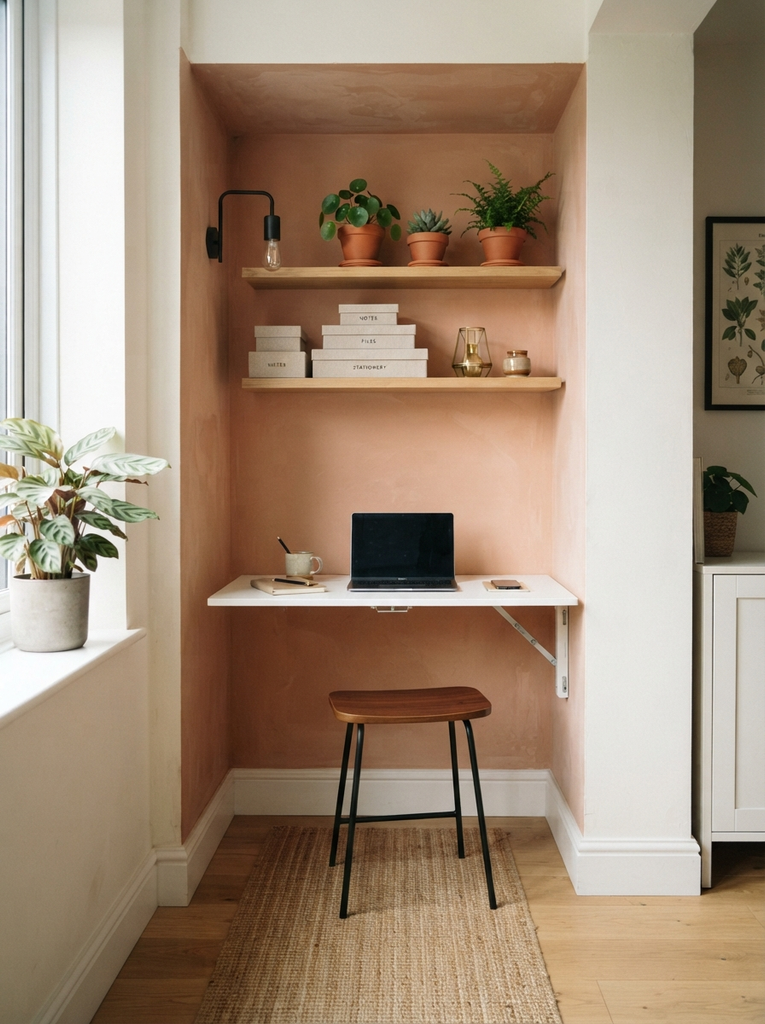
Small spaces ask for creative thinking, not compromise. Wall mounted desks, narrow desks, and fold-down tables free up floor space when you are not working. Use vertical space for shelves and pegboards, and pick furniture that does two jobs, such as a console table that works as a desk.
Measure first. Leave enough room to pull your chair out and move around comfortably, then fit the rest around that.
Create a Comfortable Home Office Setup
If you sit for hours, comfort is not optional. Your body will tell you quickly whether your setup works.
Choose a Desk That Works for Your Home Office Setup
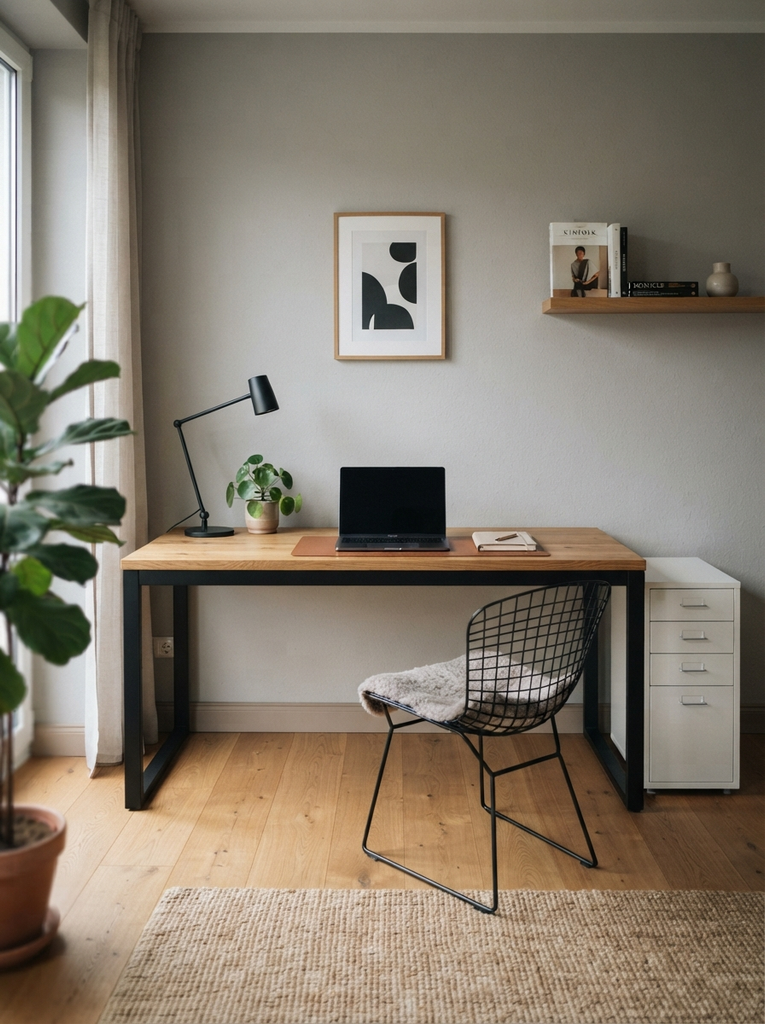
Choose a desk that suits the way you work. If you use a laptop and a notebook, a compact desk is enough. If you run two monitors or spread out documents, you will want more surface.
As a rule of thumb, you should be able to rest your forearms on the desk with your elbows near a 90-degree angle. A standing desk or a desk converter is a good option if you like to change position during the day.
Set Up Your Chair for a Better Home Office Setup
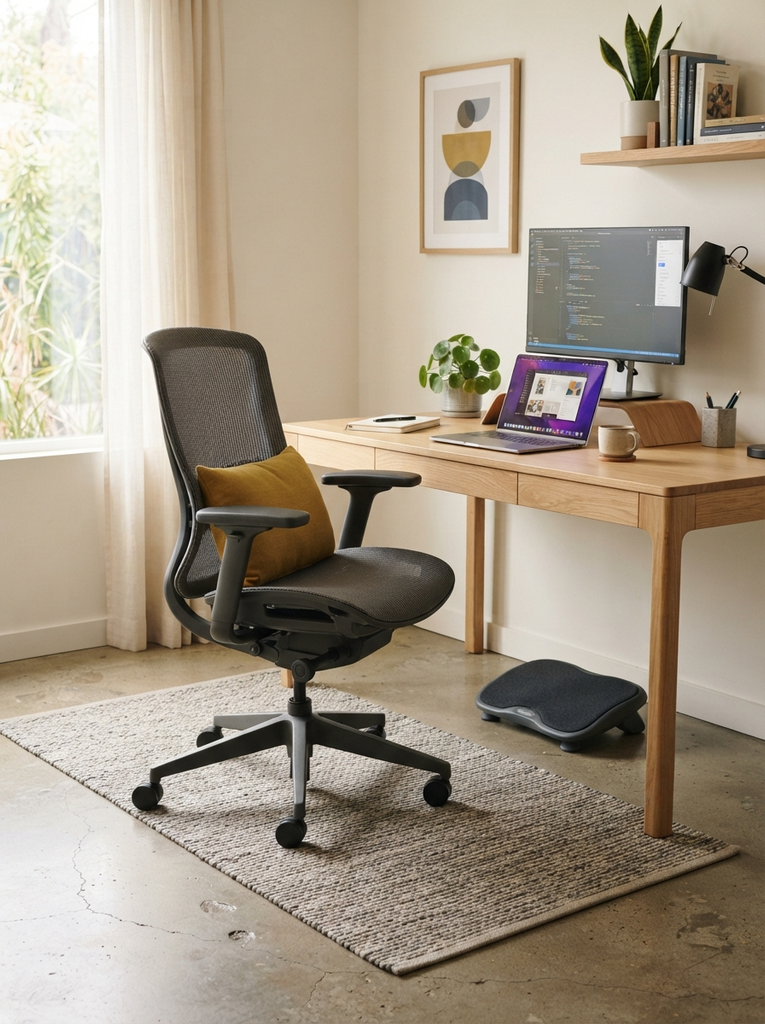
Your chair does more work than almost anything else on your desk. Look for adjustable height, back support, and a seat that does not dig into your thighs. If you are comparing options, our guide to the ergonomic office chair covers what to look for.
Adjust it so your feet rest flat on the floor, your knees are roughly level with your hips, and your lower back is supported. Use a footrest if your feet do not reach the floor.
Position Your Monitor for an Ergonomic Home Office Setup
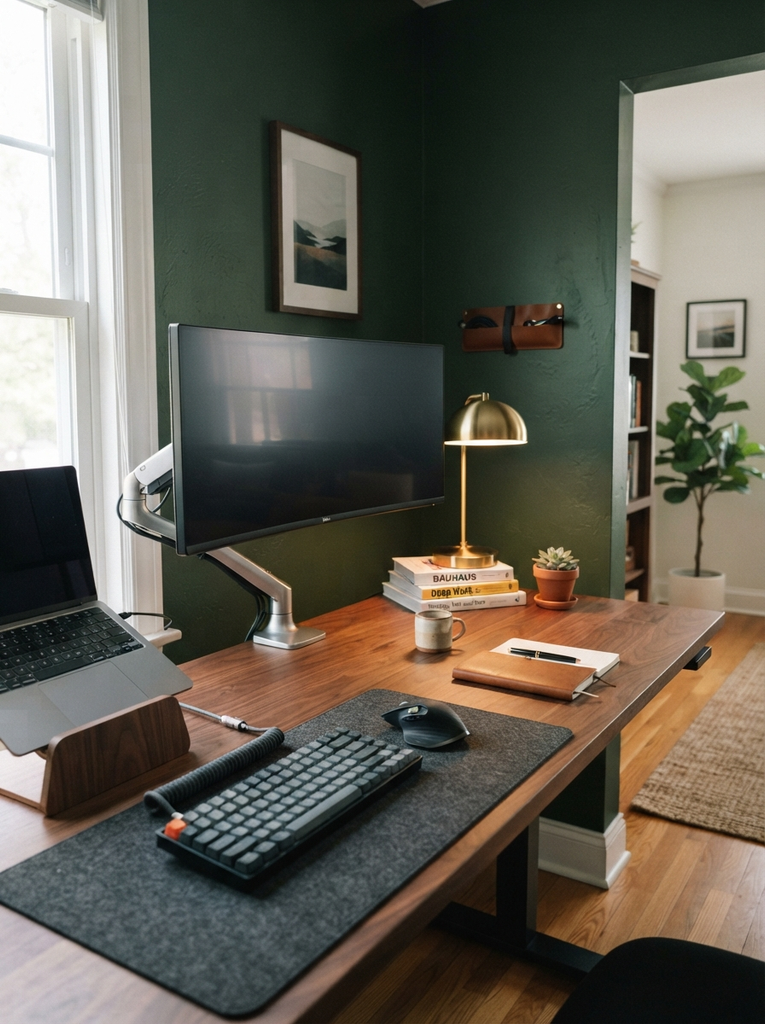
Place your monitor about an arm’s length away, with the top of the screen at or slightly below eye level. This keeps your neck relaxed instead of tilted up or down.
If you work on a laptop, raise it on a stand and use a separate keyboard and mouse. Working on a laptop placed flat on the desk pushes your head forward and strains your neck and shoulders over time.
Shop This Look

NB SmooVex™ Single Monitor Arm for Monitors 17” to 32 inch, Mechanical Spring Mount Load up to 9 kg, VESA 75/100 mm Monitor-Mount A5 (White)
$32.90
Shop Now

As an Amazon Associate, we earn from qualifying purchases.
Organize Your Home Office Setup for Less Clutter
A cluttered desk makes it harder to concentrate. A little organization goes a long way, and for more ideas you can browse our home office organization ideas.
Use Smart Storage in Your Home Office Setup
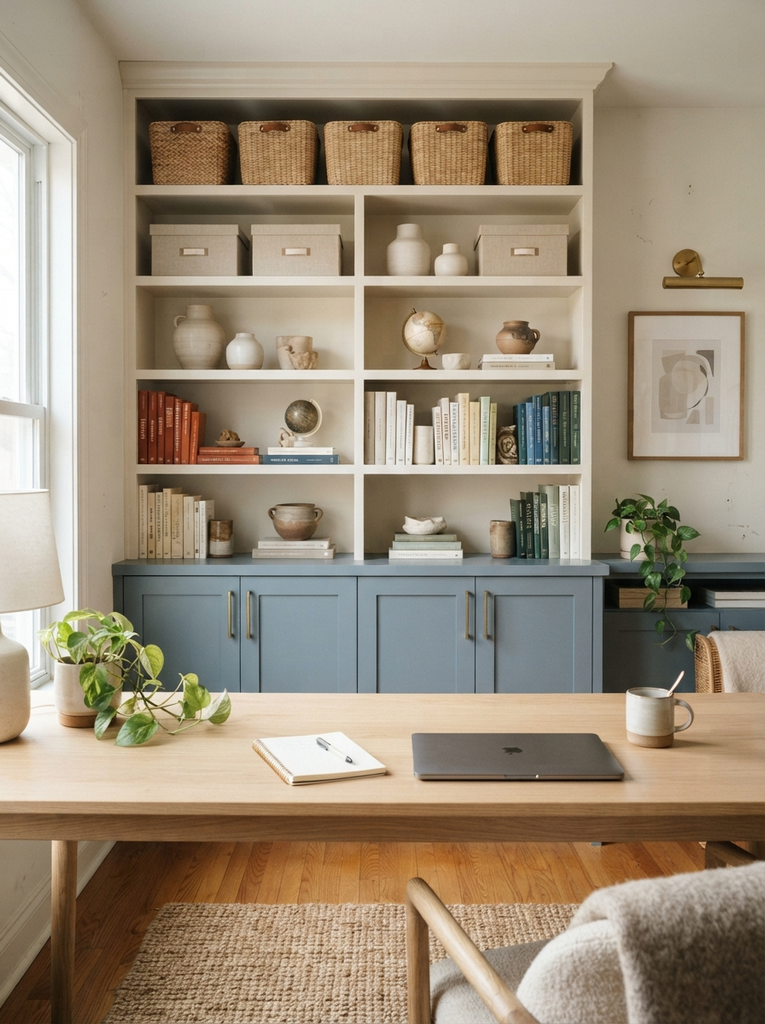
Give every item a home. Open shelves hold books and reference material you use often, while closed boxes, drawers, or cabinets hide the things you do not want to see all day.
- Keep daily tools (pens, notebook, charger) within arm’s reach.
- Store occasional items (spare supplies, old files) farther away.
- Use wall space for shelves or a pegboard to keep the desk surface clear.
Keep Cables Under Control in Your Home Office Setup
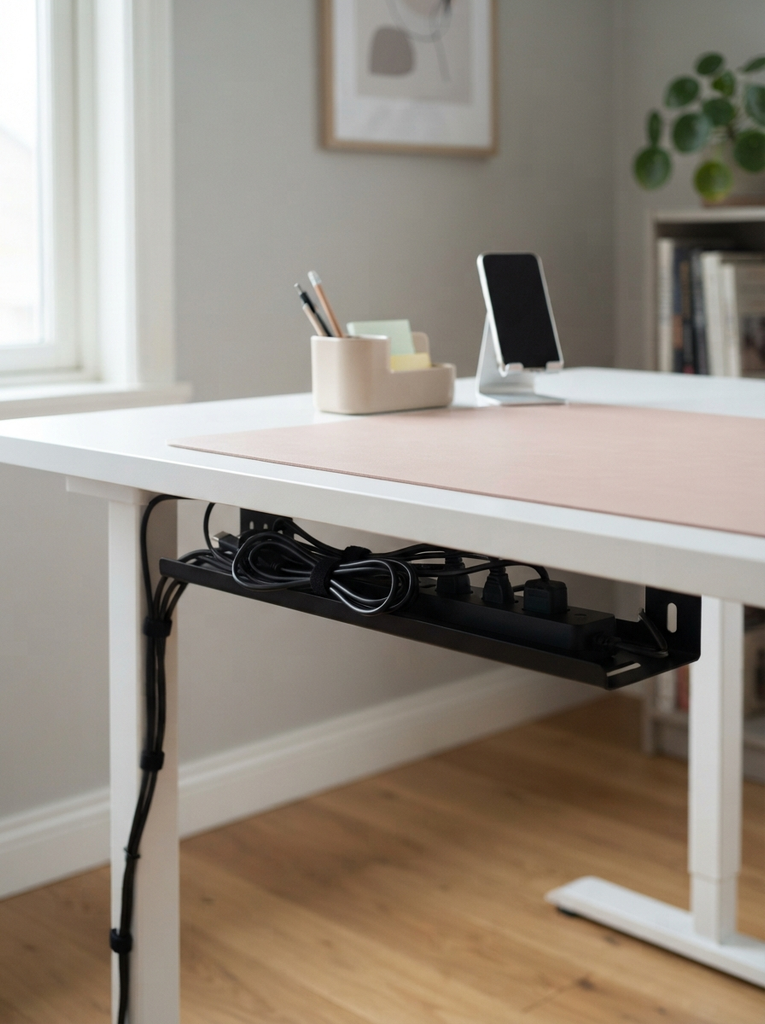
Tangled cables look messy and make cleaning harder. Use cable clips along the desk edge, a cable tray under the desk, or simple velcro ties to bundle cords together. A power strip mounted under the desk keeps plugs off the floor and out of sight.
Label the ends of your cables if you have many devices. It saves time when you need to unplug something.
Create a Home Office Setup With a Clear, Tidy Desk
Aim for a desk with only what you need for the task in front of you. A small desk organizer, a tray for papers, and a single spot for your phone are usually enough.
Take two minutes at the end of each day to clear the surface. Starting the next morning with a clean desk makes it much easier to begin working.
Shop This Look

Under Desk Cable Management Tray No Drill, Metal Mesh Cable Management Under Desk with Clamp Mount, 2 Hole Cable Tray with Wire Management and Cord Organizer for Home Office Standing Desk
-18% $13.99
Shop Now

WALI Desk File Organizer, 4 Tier Desktop Paper Letter Tray Organizer with Drawer and 2 Pen Holders, Office Desk Accessories & Workspace Organizers for Office, Home Supplies(DO005DH-B), 1 Pack, Black
-6% $16.99
Shop NowAs an Amazon Associate, we earn from qualifying purchases.
Improve Lighting in Your Home Office Setup
Poor lighting leads to eye strain and tiredness. Good lighting is one of the easiest upgrades you can make.
Use Natural Light in Your Home Office Setup
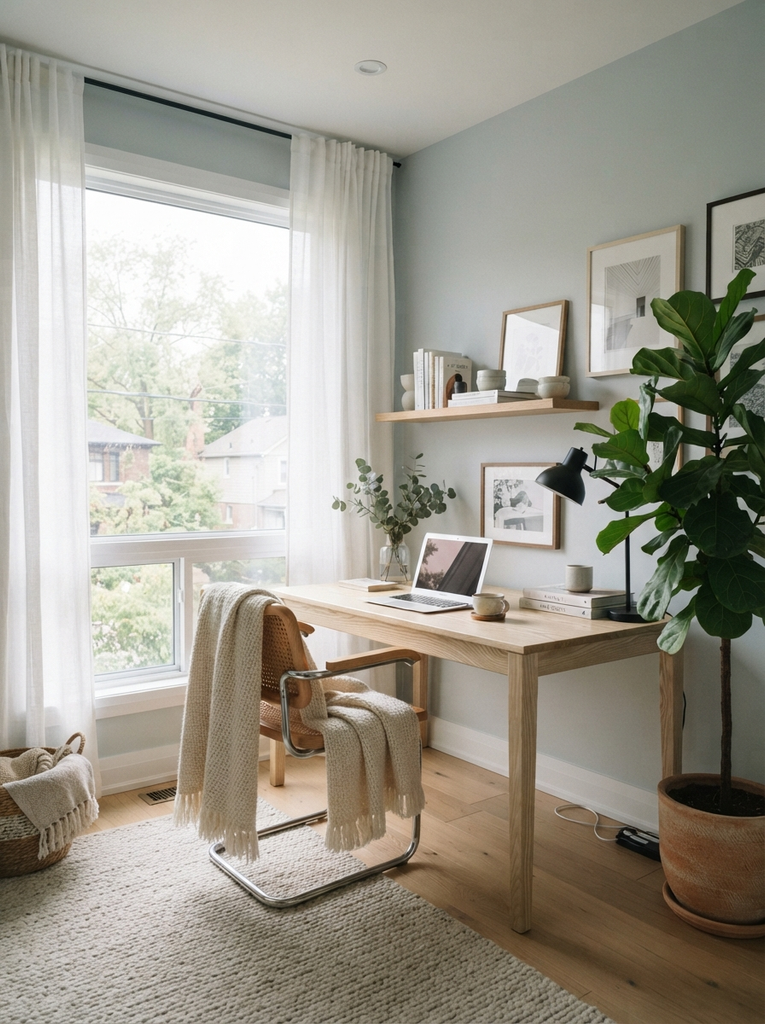
Place your desk so that daylight comes from the side rather than from directly behind or in front of your screen. Light behind you creates glare on the monitor, and light in front of you can make it hard to see the screen.
Sheer curtains or blinds let you soften bright sunlight without making the room dark.
Add Task Lighting to Your Home Office Setup
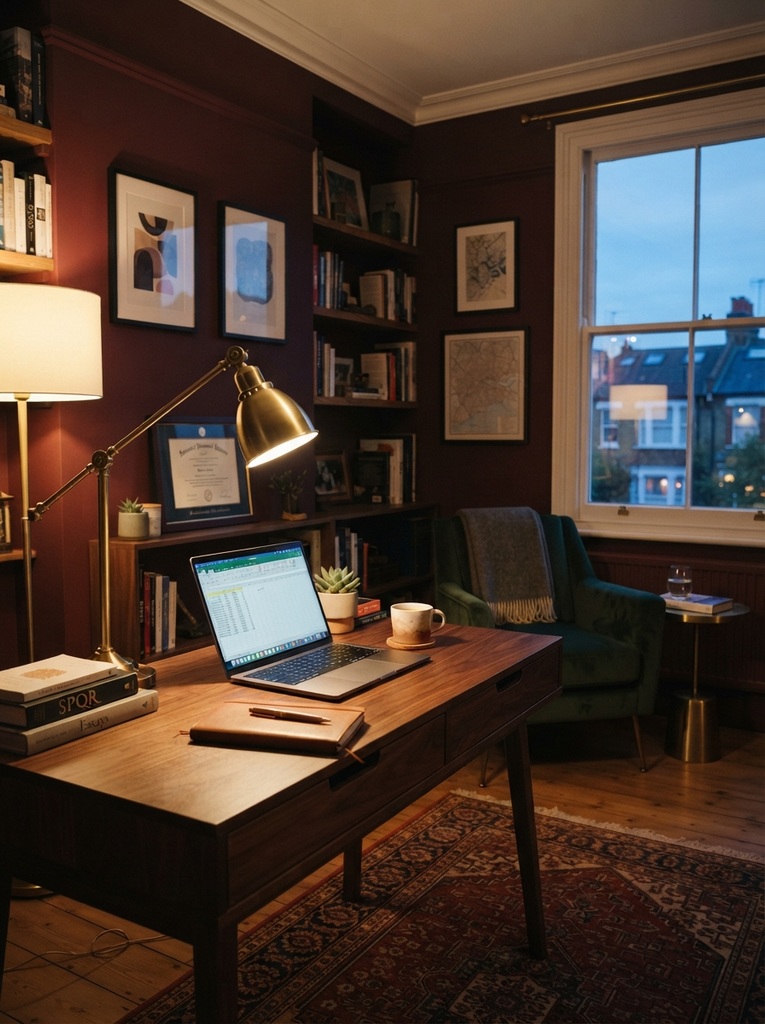
Natural light changes through the day, so add a desk lamp for focused work. Choose one with an adjustable arm and a warm to neutral light, and place it on the side opposite your writing hand to avoid shadows.
A dimmer or adjustable color temperature is useful: cooler light for focused daytime work, warmer light for the evening.
Add Style Without Losing Functionality in Your Home Office Setup
A workspace you enjoy looking at is a workspace you want to spend time in. The goal is style that supports your work instead of distracting from it.
Choose Decor That Complements Your Home Office Setup
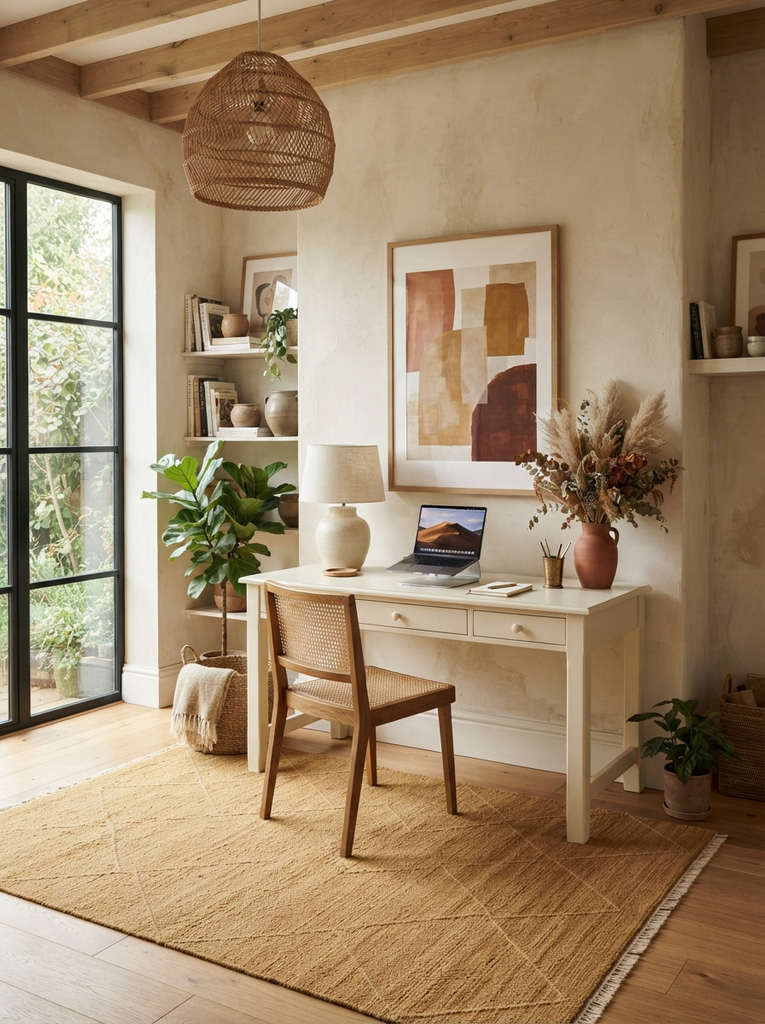
Pick a simple color palette that matches the rest of your home, and let a few items carry the style: a good rug, a framed print, or a statement lamp. If you want more inspiration for putting a cohesive look together, the home office aesthetic ideas on Next Idea Decor are a good place to start.
Keep the area behind and around your desk calm. Too many bold patterns can feel busy when you are trying to concentrate.
Add Simple Accessories to Personalize Your Home Office Setup
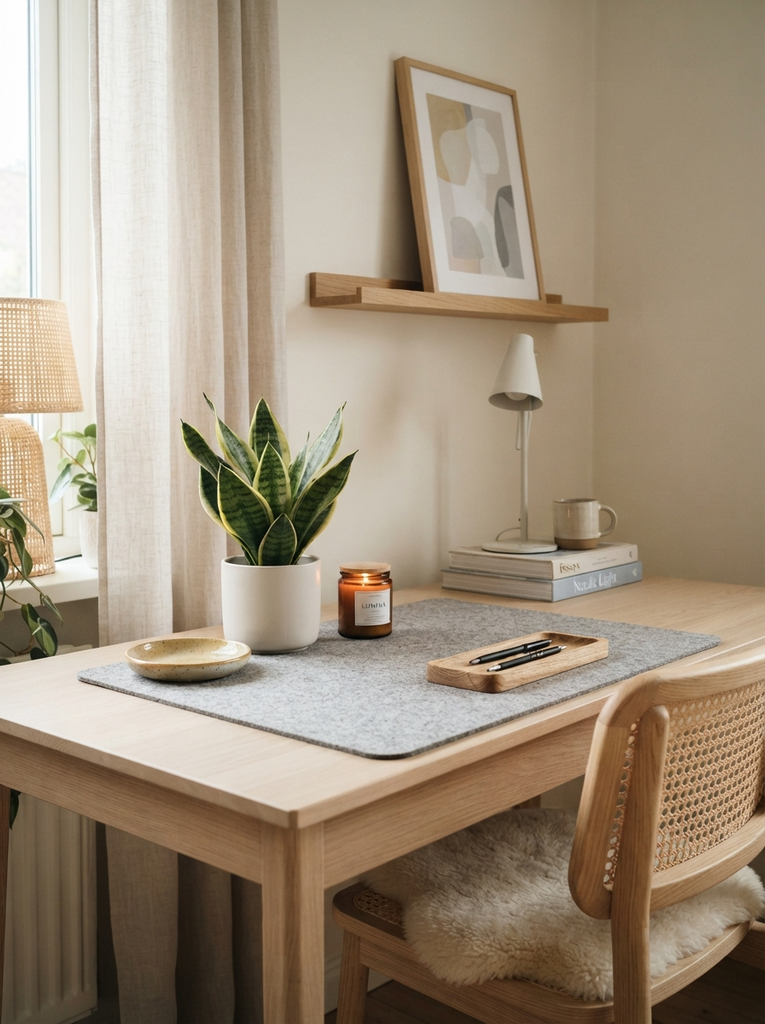
Small touches make the space feel like yours:
- A plant (real or faux) adds life without taking up much room.
- A desk mat gives the work surface a finished look and protects it.
- A small frame, candle, or ceramic dish adds personality.
Choose a few pieces you love rather than filling every surface.
Final Home Office Setup Checklist
Before you call your workspace finished, run through this quick check.
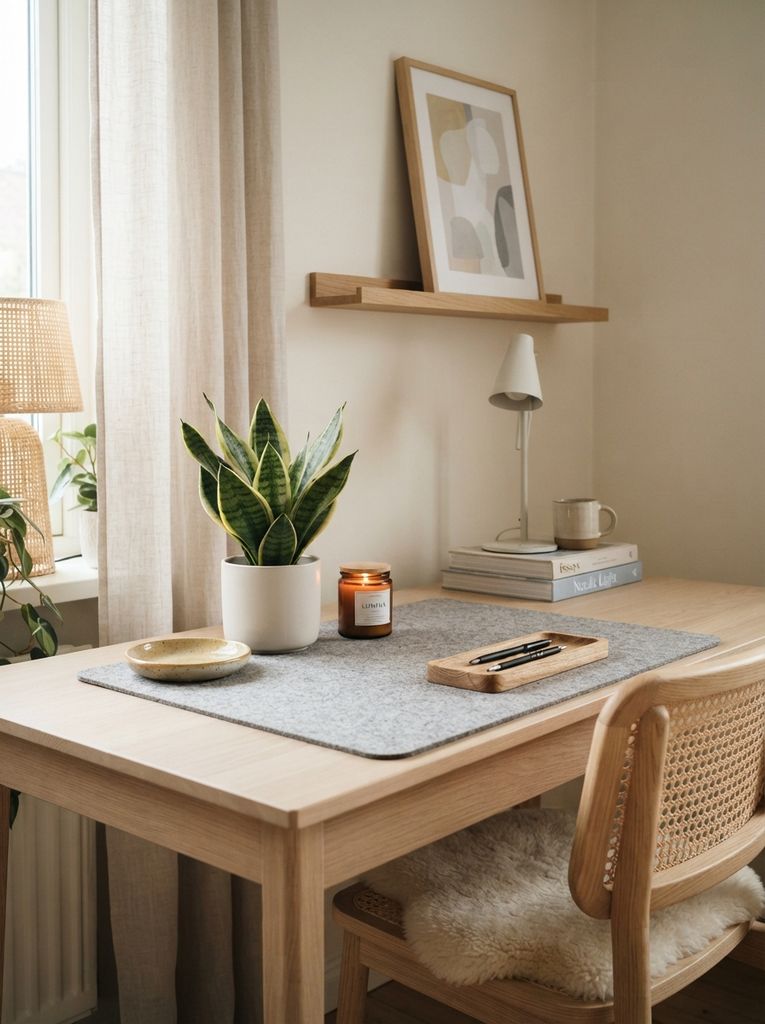
Home Office Setup Essentials to Check Before You Start Working
- A desk at a comfortable height for your arms and wrists
- A supportive chair, adjusted to your body
- A monitor at eye level and an arm’s length away
- Good lighting with no glare on the screen
- Cables tidy and outlets within reach
- A place for every item you use daily
- A quiet spot with minimal distractions
Easy Home Office Setup Upgrades for Better Everyday Work
Once the basics are in place, small upgrades make a noticeable difference:
- Add a footrest or an anti-fatigue mat if you stand.
- Switch to a wireless keyboard and mouse for a cleaner desk.
- Add a whiteboard or corkboard for your to do list.
- Try a headset for clearer calls.
- Rearrange your layout every few months if something feels off.
Conclusion
A great home office setup comes down to fit, comfort, order, and light. Start with the space you have, make the desk and chair work for your body, keep clutter under control, and add a bit of style that makes you want to sit down and work. You can build it step by step, and each small improvement will make your workday easier.